How to Remove Vocals From a Song (Free, Nothing Uploaded)
You want the song without the singer. Maybe it is for karaoke, maybe you want to rap or practice over the beat, maybe you are sketching a remix. The trouble is that a finished song is one stereo file. The voice and the band were mixed together before it ever reached you, and there is no "vocals off" switch hiding inside an MP3.
What you can do is split the song back into its parts. Here is a quick free way to do it, what to honestly expect, and the other routes that are sometimes the better choice.
The quick way: split it in your browser
The woopo vocal remover is free and does the whole split on your own device, inside the browser tab, so the file is never uploaded.
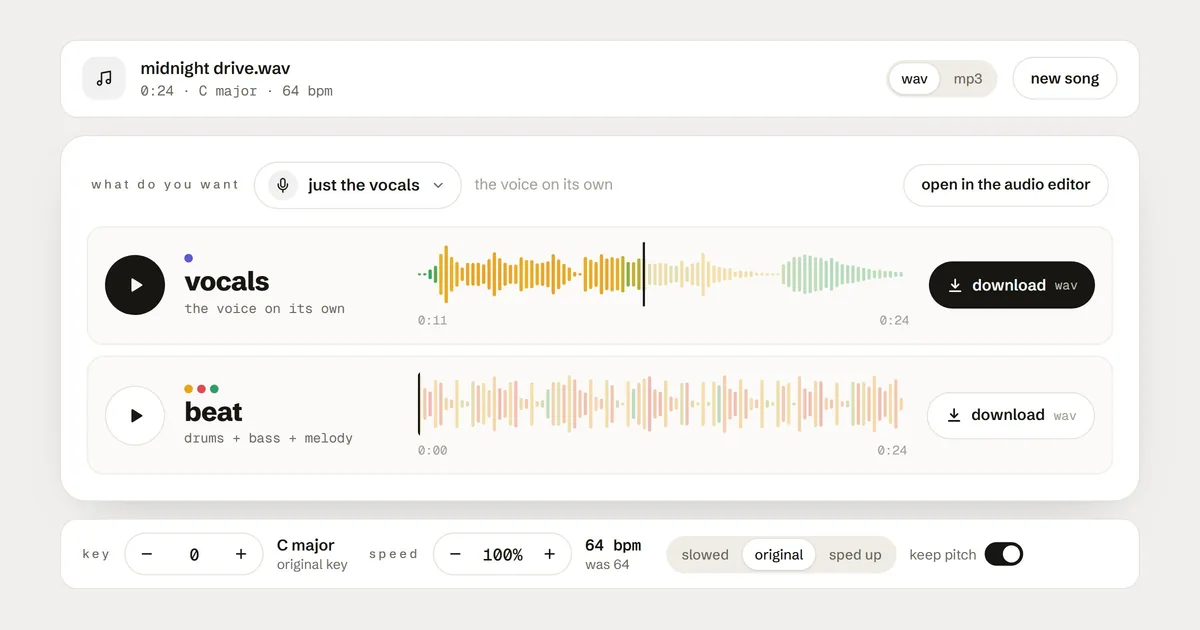
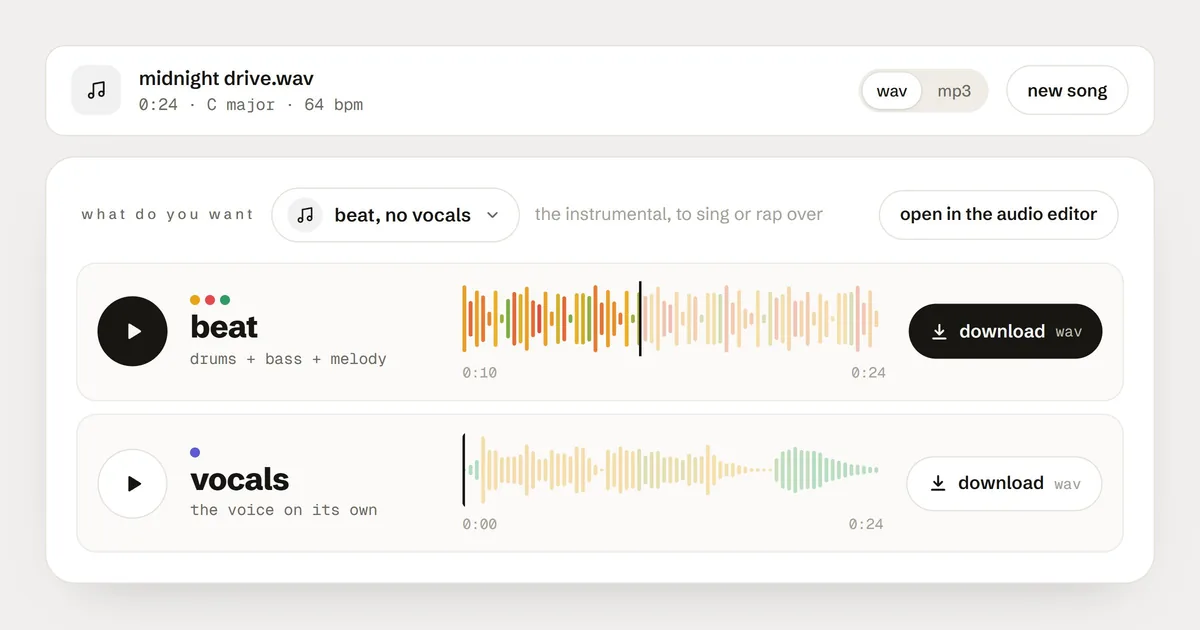
- Open the tool and look at what do you want. It starts on beat, no vocals, which is your instrumental or karaoke version. The other choices are just the vocals, just the drums, just the bass, just the melody and all parts.
- Leave the two settings under the drop area as they are: auto for runs on and best for quality.
- Drop your song anywhere on the page, or click choose a file. It takes mp3, wav, flac, m4a and ogg files, up to 10 minutes and 300 MB. There is no start button: the split begins as soon as the file is in.
- The page shows a percentage and the time left while it works. The first time, it also downloads the splitter once (183 MB). Keep the tab open until it finishes.
- On the results screen, press play on beat to check it, choose wav or mp3 (320 kbps), and hit download. The vocals row below it is the voice on its own.
A few details worth knowing
- You can change your mind afterwards. Every split produces four parts: vocals, drums, bass and melody. Switch what do you want on the results screen and a different part leads, with no second split.
- runs on: graphics card or processor. On auto the tool uses the graphics card if your browser offers one (recent Chrome and Edge usually do) and the processor if not.
- quality: best or fast. best makes a second pass over the song and blends the two results for a cleaner split. fast skips that pass and finishes sooner.
- Key and speed are built in. key moves the music up or down a semitone at a time, as far as 12 either way. speed runs from 50% to 150%, with slowed and sped up shortcuts and a keep pitch switch. Both apply to what you play and what you download, which helps when the karaoke key sits too high for your voice.
- The mixer plays all four parts together. M mutes a part, S solos it, and each has a volume slider. download this mix saves what you hear, and download every part gives you all four in one zip. For a quiet guide vocal under a karaoke track, turn the vocals down instead of muting them.
The tool's own estimates for a 3 minute song:
| runs on | best | fast |
|---|---|---|
| graphics card | about 1.5 minutes | about a minute |
| processor | about 4.5 minutes | about 2 minutes |
Expect longer on an older computer. On a phone, a long song may run the device out of memory.
What a split can and cannot do
A split is a reconstruction, not the original session files, so expect a few flaws.
- Faint leftovers. A ghost of the lead vocal, a breath or some backing vocals can sit quietly in the instrumental. Once someone sings over it, you often stop noticing.
- Reverb and delay tails. The echo on a voice is smeared across the whole mix, so part of it tends to stay behind in the beat.
- Voice-like instruments. A synth lead, a sax or a talkbox guitar can end up partly in the vocals.
- The source file matters. A low bitrate MP3 or a rip from a video site has already thrown detail away, and a split cannot put it back. Start from a WAV, a FLAC or a high bitrate file when you can.
For karaoke, practice and remix sketches that is usually plenty. For a release it may not be.
Other ways to get an instrumental
The official instrumental, if one exists
Search before you split. Many singles, especially in hip hop, pop and dance music, were released with an instrumental version. It comes from the original session, so it has none of the leftovers a split can leave. Tracks labeled "karaoke version" are usually re-recordings by other musicians: close, but not the record you know.
The old phase cancel trick
Flip the polarity of one stereo channel, add it to the other, and anything identical on both sides cancels out. Lead vocals usually sit dead center, so in theory they vanish.
In practice the kick, snare and bass usually sit in the center too and vanish with them, the vocal's stereo reverb and wide backing vocals stay, and you are left with a thin mono file. It rarely works on a modern mix.
Desktop apps
Ultimate Vocal Remover is free and open source, with a long list of separation engines, and it can work through a batch of files in one go. iZotope RX is a paid option, and recent versions of FL Studio and Logic Pro have stem separation built in, depending on your edition and computer.
These are the better choice if you split music every day, work with very long files, or already make music in FL Studio or Logic Pro. The cost is an install and some setup. For a single song, a browser tab is less work.
Tips and common mistakes
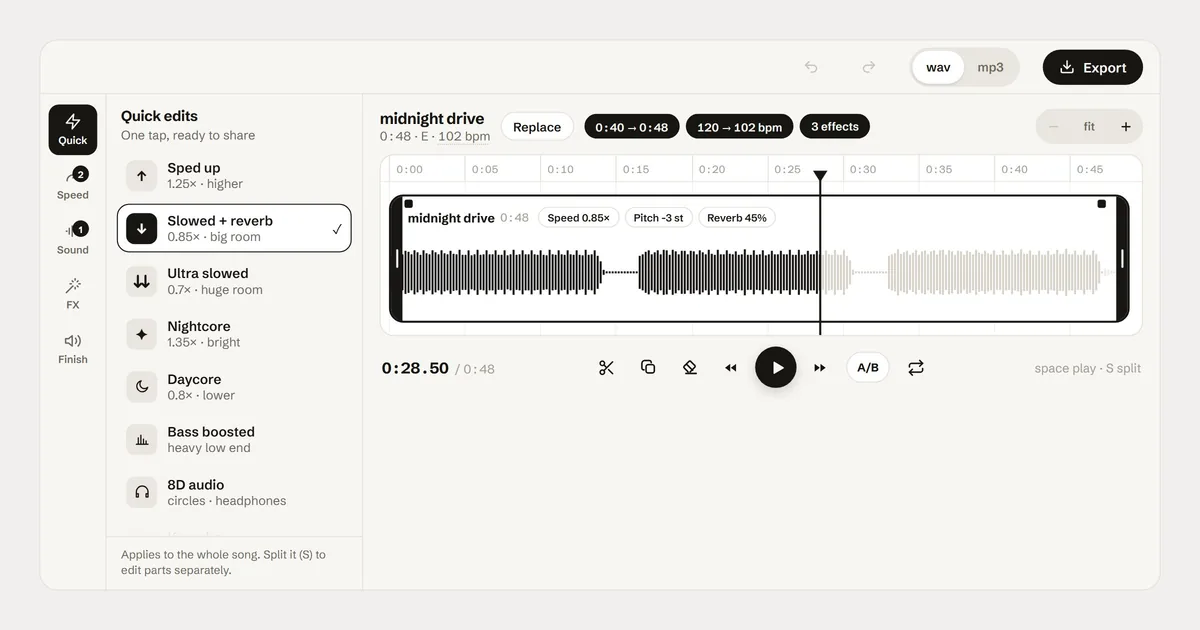
- Song longer than 10 minutes? Trim it first in the audio cutter, then split the piece you need.
- Already downloaded and need another key? There is no need to split again: the key and pitch changer shifts a saved file.
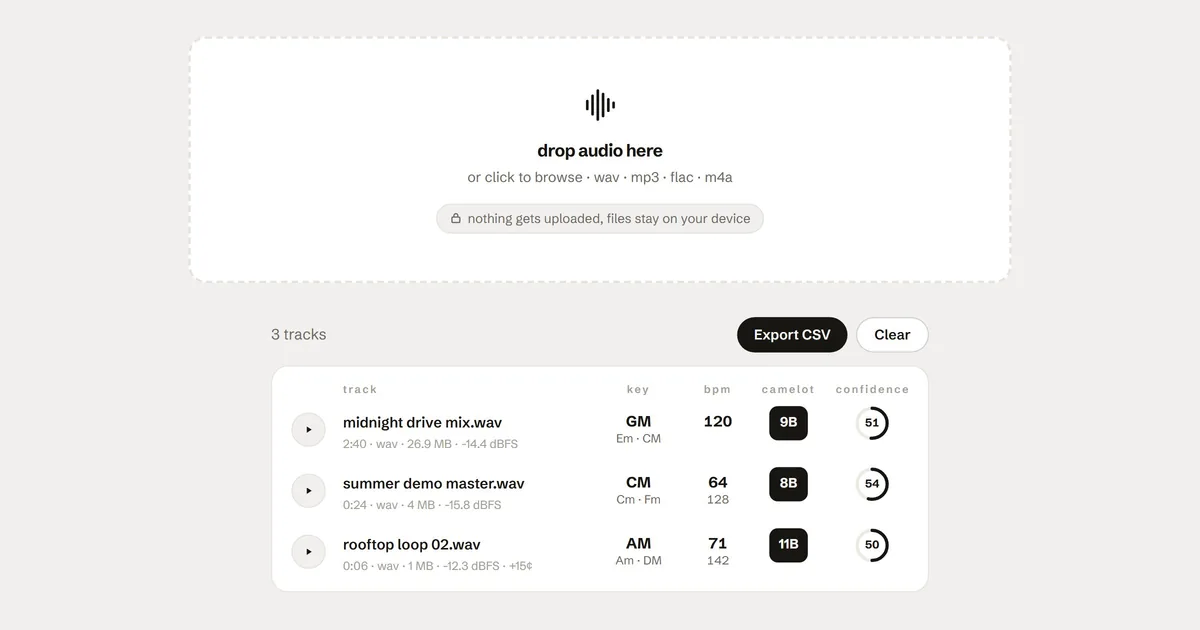
- Making a mashup? The results screen shows your song's key and BPM when it can find them. Check the other track with the key and BPM finder, then set key and speed so the two match.
Common questions
What is the download on the first song?
That is the splitter. It downloads once: 183 MB on best, less on fast. Your browser normally stores it, so the next song skips the download. The keep it on this device switch fetches it ahead of time, and remove clears it off again.
Can I release music made with the instrumental?
Not unless the song is yours or the rights holder says yes. A split is still their recording, however you carve it up.
Got a song in mind? Drop it into the vocal remover and hear what comes out.