How to Change the Key of a Song Without Changing the Speed
The song is great, but it sits two notes too high for your voice. Or the sample you love is in F minor and your beat is in D minor. Either way you need the same thing: every note moved up or down by the same amount, with the tempo left alone.
That can mean two jobs: shifting a recording, or transposing chords and notes written on paper. This guide covers both, audio first.
The fastest way: shift the file in your browser
- Open the key and pitch changer and drop your song on it, or press Choose file. It takes mp3, wav, flac, m4a, aac, ogg, aiff or a video, up to 300 MB.
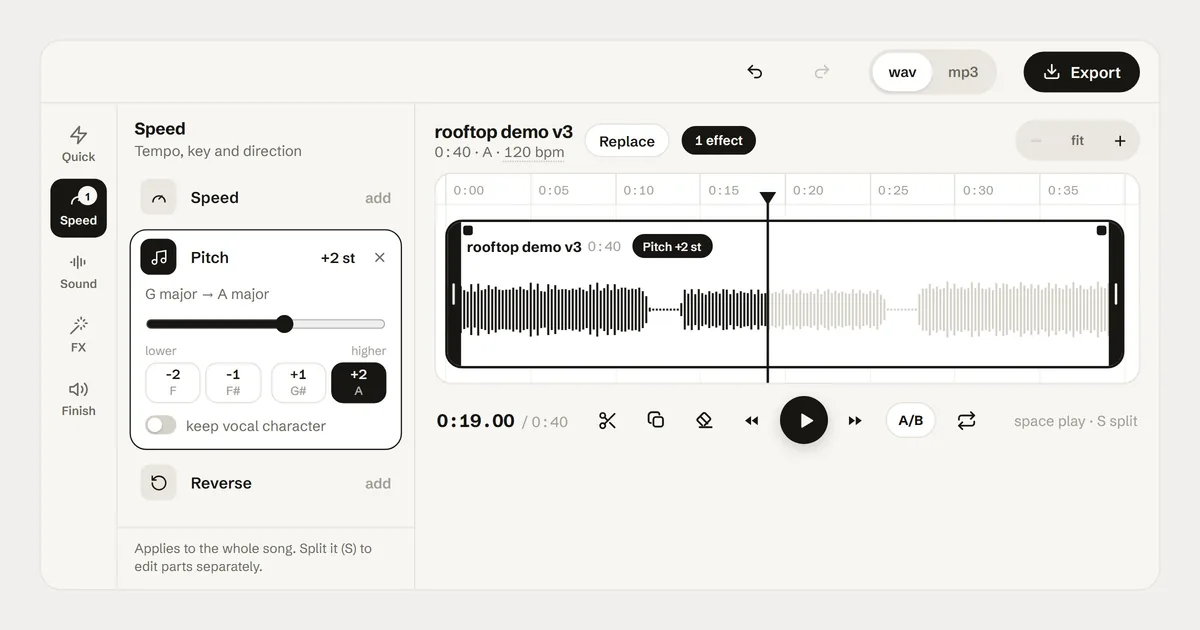
- Let it read the track. The line under the song title shows the length, the detected key and the bpm.
- The Pitch row is already open. Drag its slider, one step per semitone, or tap a quick chip: -2 and -1 on the "lower" side, +1 and +2 on the "higher" side.
- Check the line above the slider. It names the key you started in and the key you are in now. If no key was found, the slider still works.
- Press play (the space bar works too). The A/B button plays the original at the same spot.
- Pick wav or mp3 in the top bar and press Export.
A few details worth knowing:
- The tempo does not move. Pitch and Speed are separate rows. Pitch changes the key and leaves the bpm alone, Speed does the opposite.
- The range is one octave each way. The slider runs from -12 to +12 in whole semitones.
- There is a switch for voices. At the bottom of the Pitch row, keep vocal character starts switched off. Turn it on to keep a singer's tone from being shifted along with the notes.
- Nothing is uploaded. The file is read in your browser and stays on your device.
- The file name says what you did. A song moved up 2 downloads with "+2st" in its name. Mp3 is written at 320 kbps, wav at 16 or 24 bit. Stay in wav if you will keep editing: mp3 loses a little with every encode.
How many semitones do you need?
A semitone is the smallest step in most Western music: one fret on a guitar, or one piano key to the very next one, black keys included. Twelve semitones make an octave. Changing key means moving every note by the same number of semitones, so the melody keeps its shape and a minor song stays minor.
| shift | C major becomes | A minor becomes |
|---|---|---|
| +1 | C# (Db) major | A# (Bb) minor |
| +2 | D major | B minor |
| +3 | D# (Eb) major | C minor |
| +4 | E major | C# minor |
| +5 | F major | D minor |
| -1 | B major | G# minor |
| -2 | A# (Bb) major | G minor |
| -3 | A major | F# minor |
| -4 | G# (Ab) major | F minor |
| -5 | G major | E minor |
| +6 or -6 | F# major | D# minor |
The pitch changer spells keys with sharps, so Eb shows up as D#.
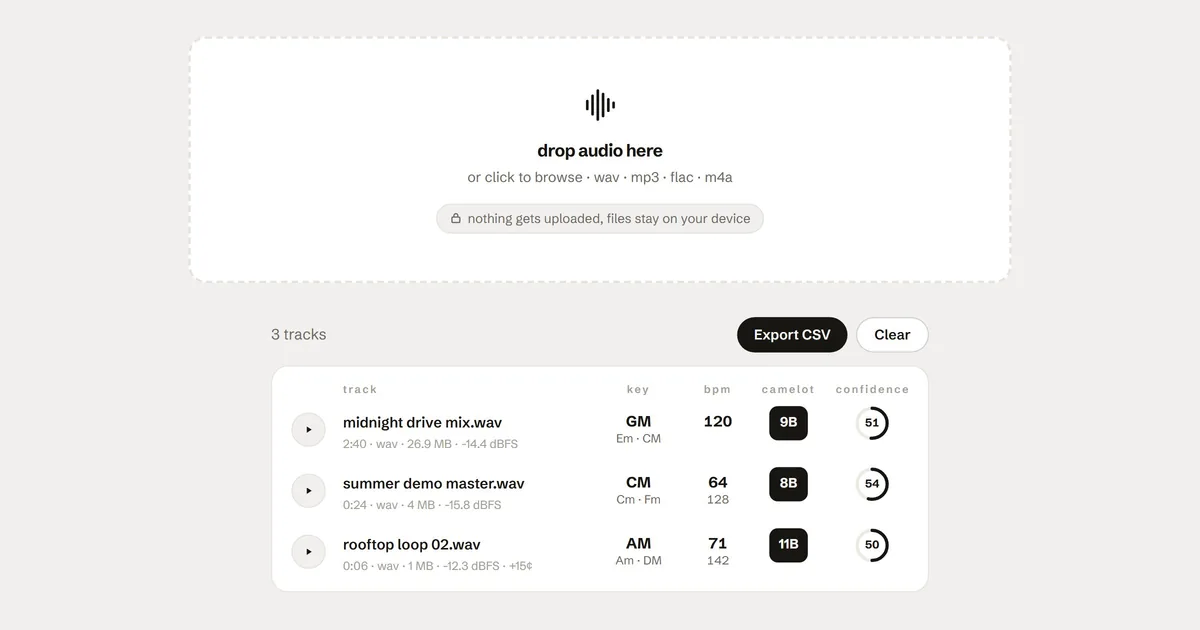
You never need more than 6 semitones: a key that is 7 up is also 5 down, and the smaller move usually sounds better. If you know both keys but not the distance, the key transposer works it out. Finish the sentence "my sample is in" one key "and I want it in" another, and it gives the shift in semitones and cents, in both directions. Not sure what key the other track is in? The key and bpm finder reads it from the file.
Transposing chords and notes on paper
A chord chart has no audio to process. Move the root of each chord by the same number of semitones and keep the chord type. Up 2, the progression C, G, Am, F becomes D, A, Bm, G.
The key transposer gives you that number and can play the scale of both keys. It does not rewrite a chord sheet: you apply the move chord by chord. On guitar, a capo does the same job for upward moves, one semitone per fret.
What large shifts do to the sound
No pitch shifter leaves the sound untouched. One or two semitones is typically hard to notice. Past around 3 or 4, voices start to sound thin and cartoonish going up, or deep and heavy going down, and drums lose some of their snap. Near a full octave it is an effect, not a key change.
So pick the shorter direction, try keep vocal character on sung parts, compare with A/B, and treat anything past 4 semitones as a judgment call.
Other ways to change key, and when they are better
- In your DAW, if you have the project. MIDI parts transpose with no loss, since the instrument simply plays different notes. Audio parts can be shifted one by one with the drums left untouched, which usually sounds better than shifting a full mix.
- Play it again in the new key. For a big move, re-recording usually sounds better than any shifter. Many digital keyboards have a transpose button.
- Tape-style speed change. Speeding a track up raises pitch and tempo together, roughly 6 percent faster per semitone. Good for nightcore or slowed edits, wrong when the tempo has to stay.
Tips for singers
- Find the note that hurts. Usually it is the top note of the chorus. Play that part, tap -1, then -2, and sing along until it sits comfortably.
- Check the other end. Lowering a song to save the chorus can push the verse too low.
- Small moves are normal. Often 1 to 3 semitones is all a voice needs.
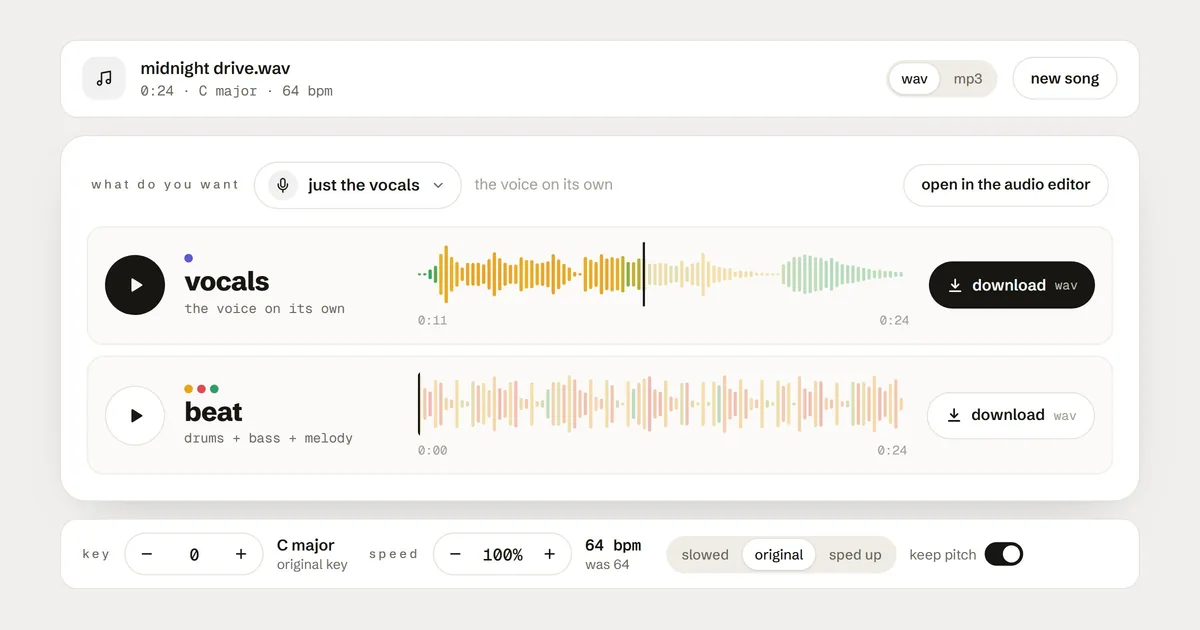
- Want only the backing track? The vocal remover splits the vocals from the beat and lets you change the key of the result.
Common questions
Does changing the key change the tempo?
Not with a pitch shifter. In the pitch changer the bpm only moves if you also touch the Speed row.
Is "one key up" one semitone or two?
It depends who says it. A half step is 1 semitone (C to C#) and a whole step is 2 (C to D). Karaoke machines typically count in semitones.
Can I turn a minor song into a major one?
Not by shifting. Every note moves the same distance, so the pattern between the notes stays the same. Going from minor to major means changing some notes and not others, which takes playing the part again or editing it as MIDI.
Got a song in the wrong key? Drop it into the key and pitch changer and move it a semitone at a time until it fits.